

GOOD BREAKS START HERE / VOL. 02
A small game.
A fresh
headspace.
Welcome to the play desk. Browse a dozen little worlds, pick one of the three playable originals and make a bit of room for curiosity.
Find your next game03games ready to play
plus nine ideas to explore
plus nine ideas to explore
NO ACCOUNTORIGINAL GAMESLOCAL PERSONAL BESTSTAKE YOUR TIME
01 / CHOOSE A RHYTHM
What kind of break
are you in?
The three playable games ask for different kinds of attention. Choose a starting point, then let the first round teach you something.
01Tidebend
60-second round↗02Glimmer Run
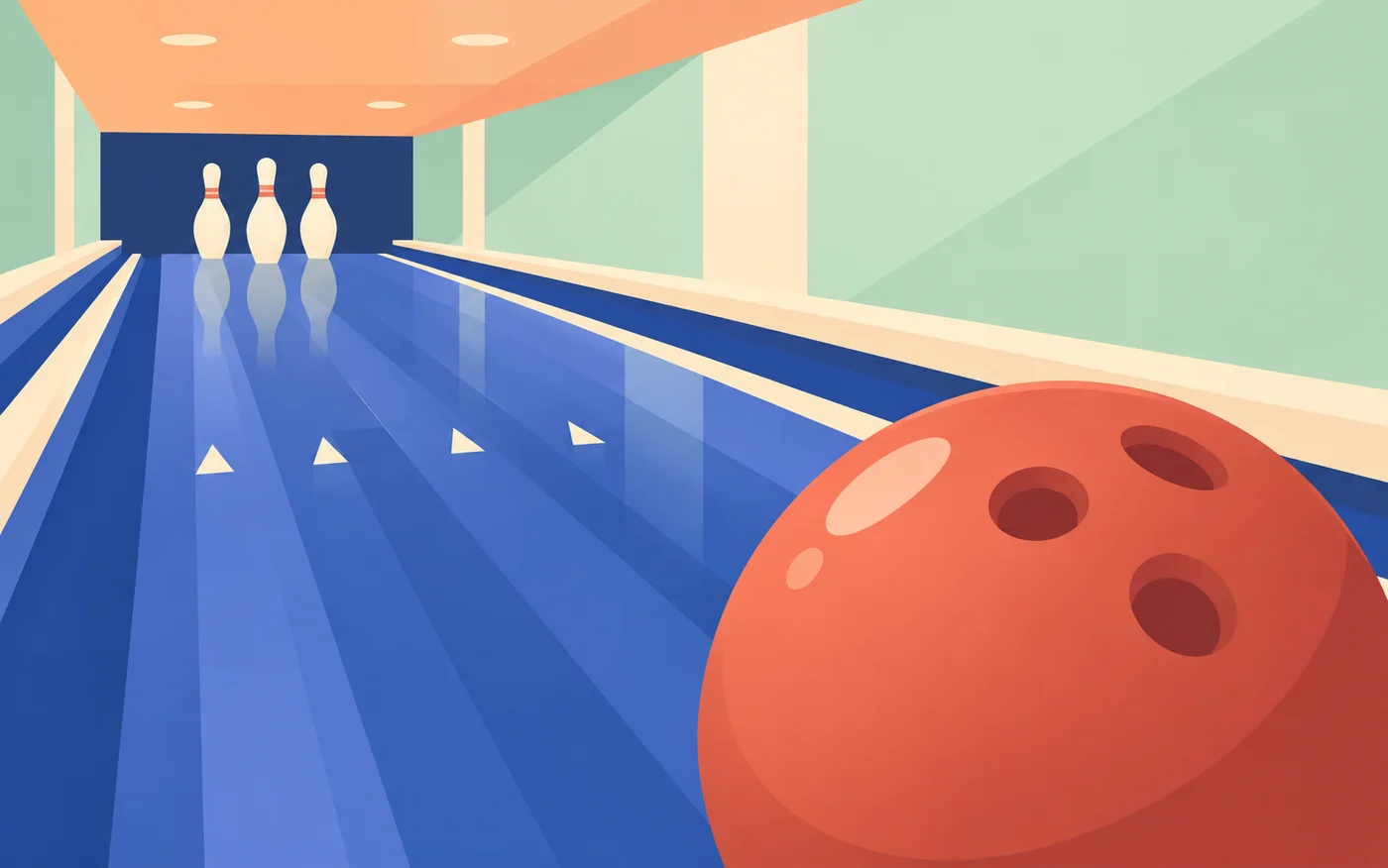
45 seconds / 3 shields↗03Lane & Roll
5 frames↗
Observe, then act.
Read the passing shoal and move the boat into a useful position. One well-timed hook is a satisfying place to begin.
60-second round↗02
Keep the next gap in sight.
Let the track come towards you. Coins are tempting, but an intact shield gives the rest of the run room to happen.
45 seconds / 3 shields↗03
Make a smaller adjustment.
A five-frame lane gives you space to compare aim and power. Set one variable, watch the result and try again.
5 frames↗
02 / READY AT THE DESK
Three originals.
Open and play.
The original controls, names and rules stay intact. The new covers introduce each title; the game itself opens on its own dedicated page.

BROWSE BY INSTINCT
Four ways into
the collection.
A category describes the kind of idea on the desk. Use the playable filter alongside it when you want a working game straight away.
01
Arcade
Quick movement and a visible score. Tidebend and Glimmer Run are ready to play, with different rhythms for a short break.
↗02Sports
Aim, power and a clear target. Lane & Roll is playable; Pocket Putt remains an illustrated putting concept.
↗03Puzzle
Patterns, placement and small visual problems. These entries are development concepts, available as artwork and design notes.
↗04Adventure
A delivery, a trail or a distant destination. Browse the unfinished worlds and the visual questions behind their journeys.
↗A BREAK WITH A LITTLE SHAPE
How much room
have you got?
These are suggestions for a short visit, not timers or daily tasks. Choose a pace, read the controls and leave whenever your break is finished.
One clear look at the river.
Use a single Tidebend round to watch the shoal and find the hook timing. A short visit can be complete after one useful observation.
Open Tidebend ↗GET COMFORTABLE FIRST
Give the controls
a little space.
A small game should still have a readable screen. The game page puts the control instructions beside its title and keeps a direct window link below the play area.
On a keyboard.
Click inside the game before using its shortcuts so the intended play area has focus. Read the original control panel for the movement and action keys. The page navigation remains available outside the game.
On a smaller screen.
Use the game’s on-screen buttons. If the embedded area feels crowded, open the game in its own window. Give a moving scene a moment to settle after changing the device orientation.
Read before pressing Start.
Each game has its own control panel. A few seconds spent finding the movement and action buttons makes the first attempt easier to understand.
Give the result a name.
Was the boat too far left? Did a coin pull you towards an obstacle? Did a large power adjustment hide a useful aim setting? Notice one concrete thing.
Try a deliberate replay.
Change one decision on the next round. A personal best is a useful marker, but learning why a move worked makes the break more interesting.
04 / NOTES FROM THE DRAWER
Nine worlds
still taking shape.
These are development concepts, not playable releases. Open a cover to explore its visual idea. No release dates, simulated scores or unavailable controls are implied.

Cloud Courier
Adventure / CONCEPT ↗A delivery above the ordinary.
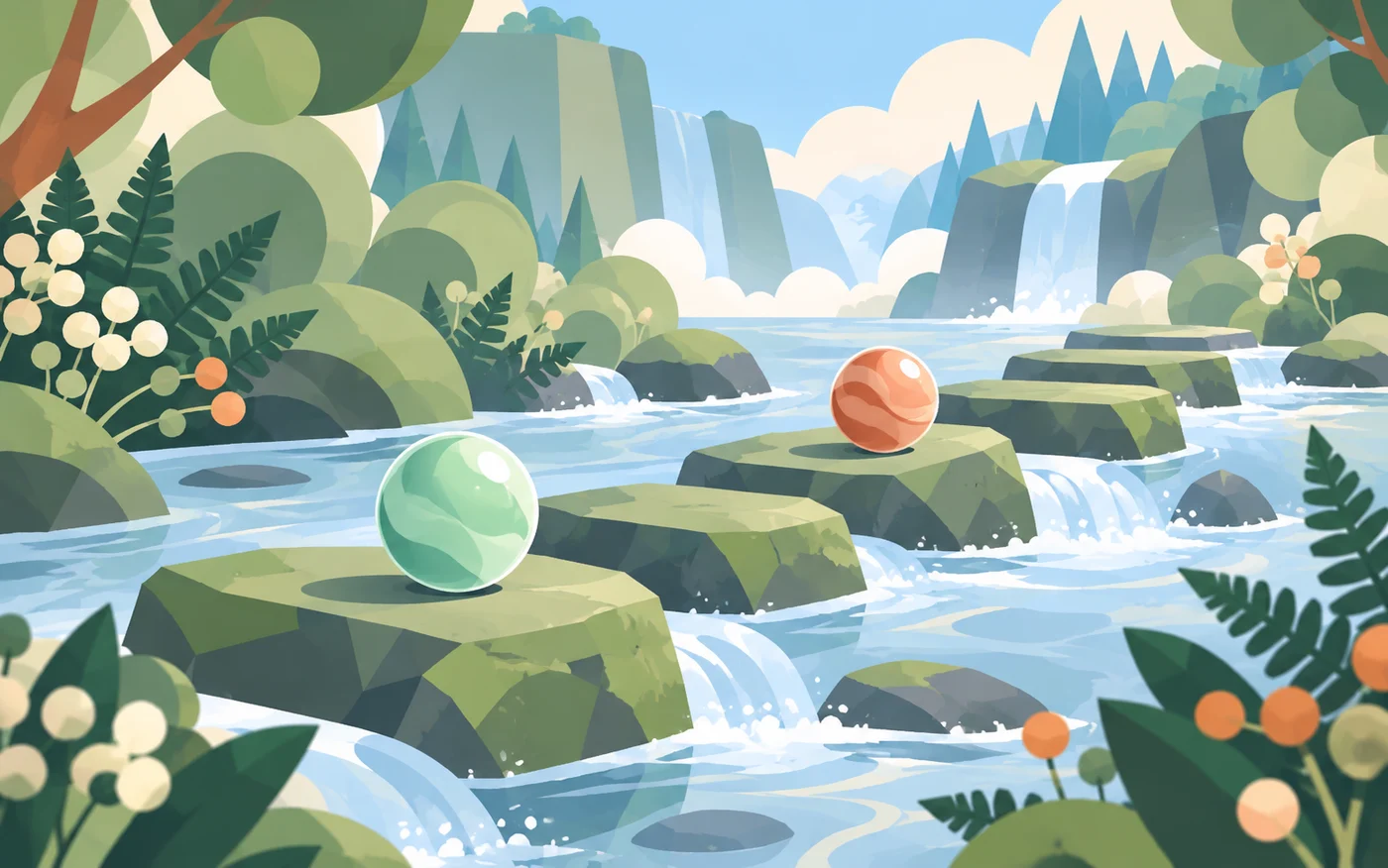
Moss & Marbles
Puzzle / CONCEPT ↗Small stones, considered moves.
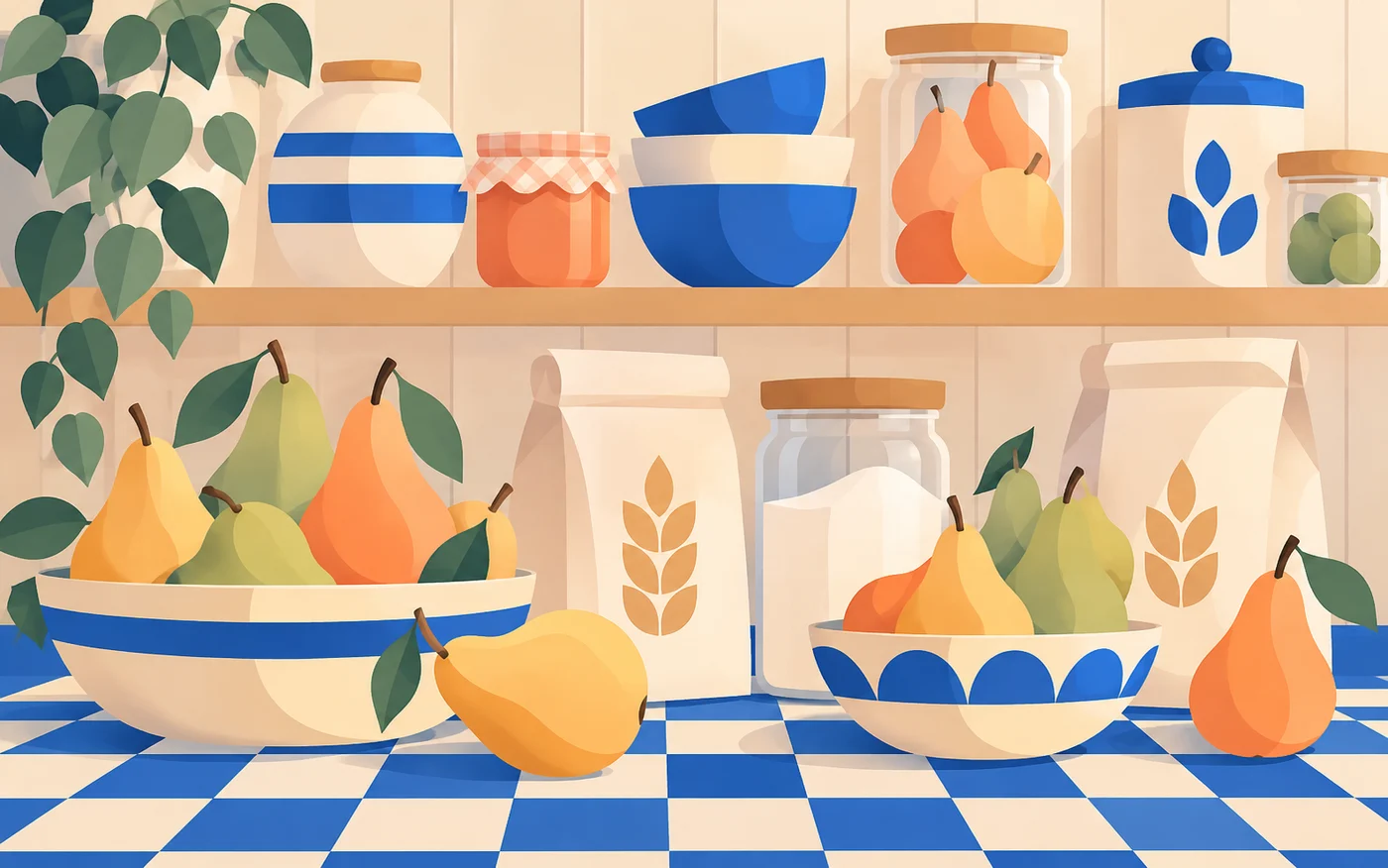
Pixel Pantry
Puzzle / CONCEPT ↗Order on a very small shelf.

Orbit Post
Adventure / CONCEPT ↗The long way to the letterbox.

Loop Lagoon
Puzzle / CONCEPT ↗Follow the curve of the water.
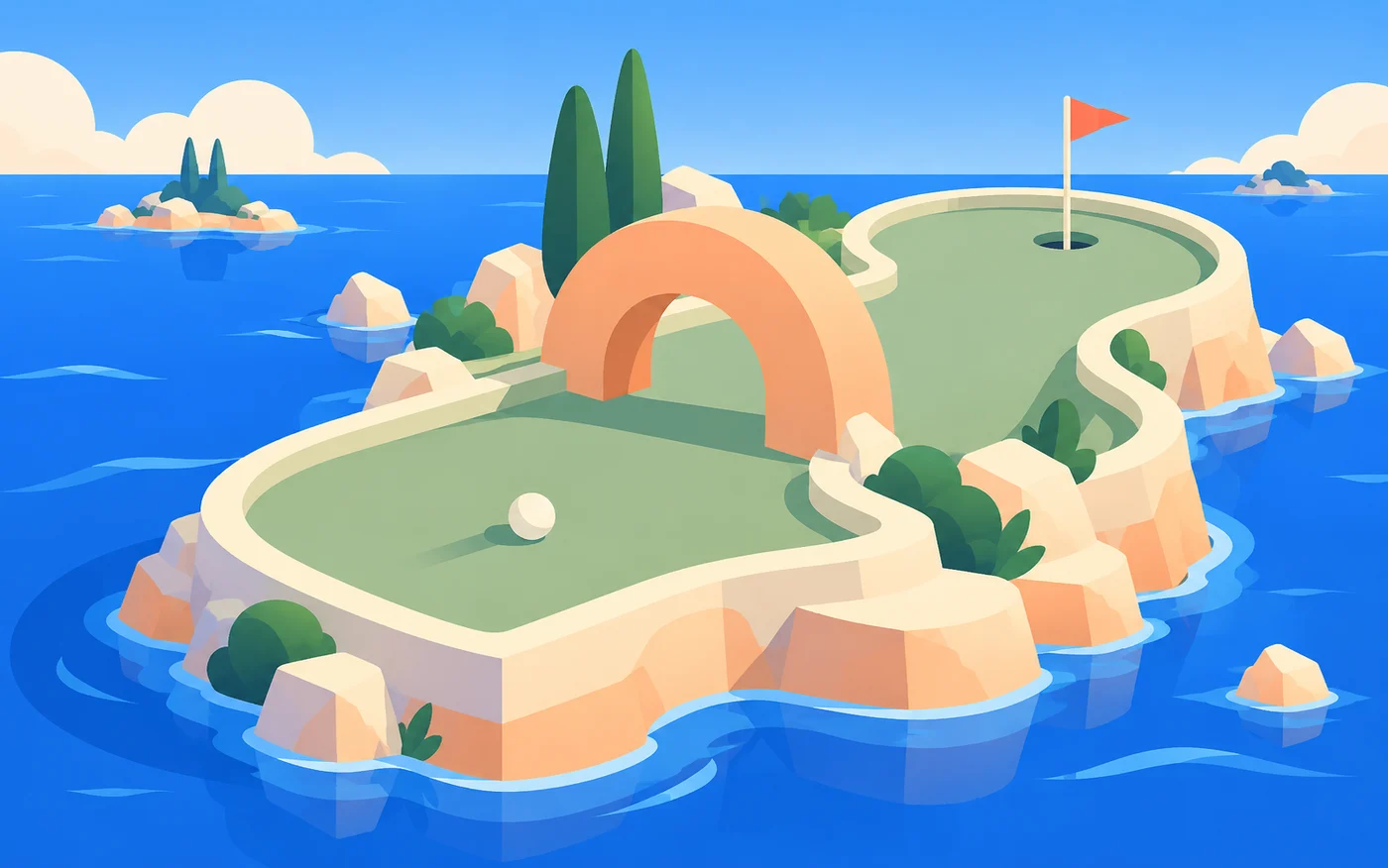
Pocket Putt
Sports / CONCEPT ↗A course with room for one idea.

Pebble Stacks
Puzzle / CONCEPT ↗A balancing act in soft colours.

Lantern Trail
Adventure / CONCEPT ↗A few lights to lead you onward.

Bubble Bureau
Puzzle / CONCEPT ↗A tidy desk beneath the surface.
05 / MAKE THE DESK YOURS
A useful little record.
Keep a short list.
Use Save on a catalogue entry to keep it on your device. Your saved shelf can hold a playable favourite and an unfinished idea side by side.
Open saved entries ↗Notice a personal best.
With local saving enabled, completed playable rounds can update your personal best. The number belongs to this browser; it is not a public ranking.
See session notes ↗Leave a useful comment.
Game pages include a community area. A clear note about a control, a confusing moment or a helpful approach is more useful than an invented score claim.
Read posting guidance ↗WHAT THE LABELS MEAN
A clear promise
on every entry.
A complete game is available on its title page. You can start a round, use the controls, finish it and replay. A local personal best can be retained when you allow saving.
An illustration and editorial note describe an unfinished idea. There is no active level, working score or release date behind that label. Saving a concept bookmarks the entry; it does not unlock a game.
The collection filter lets you show playable entries only. Turn it off when you want to browse the whole drawer of ideas.
YOUR BROWSER / YOUR CHOICE
Keep a little.
Clear it when you like.
Favourites, personal bests and recent sessions can stay on this device after you allow local saving. They do not need an account, and they do not become a public leaderboard.
The choice applies to optional site records. Public community posts are a separate action: a submitted comment can be visible to other visitors, so keep private details out of it.
A NOTE BACK TO THE DESK
Found a snag?
Give it a useful description.
Name the game, the browser and the last control you used. Say what you expected and what happened instead. If the issue repeats, a short sequence of steps helps locate it.
For an observation another player could use, try the community area on the title page. For a technical or privacy question, use the correspondence desk. The contact form prepares a message for you to review in your email application.
Write to the deskBEFORE YOU OPEN A TAB
A few desk notes.
Availability is always labelled. Your browser keeps optional favourites and personal scores only after you allow local saving.
Which entries can I play today?
Tidebend, Glimmer Run and Lane & Roll are the three working originals. The other nine entries remain development concepts, matching the original catalogue’s availability.
Do I need an account or a payment?
No. Open a playable title and use its original Start control. There is no checkout, paid balance or cash prize.
Can I return to a saved score on another device?
Personal scores and favourites belong to this browser and domain. They do not transfer to another device, and clearing site data removes them.
What happens if I choose essential-only storage?
You can still open games and read the whole catalogue. Optional favourites and session records will not persist; the site keeps your preference.
How should I report an issue?
Use the contact desk and include the game title, browser, device and the last control you used. A short sequence of steps helps explain what went wrong.